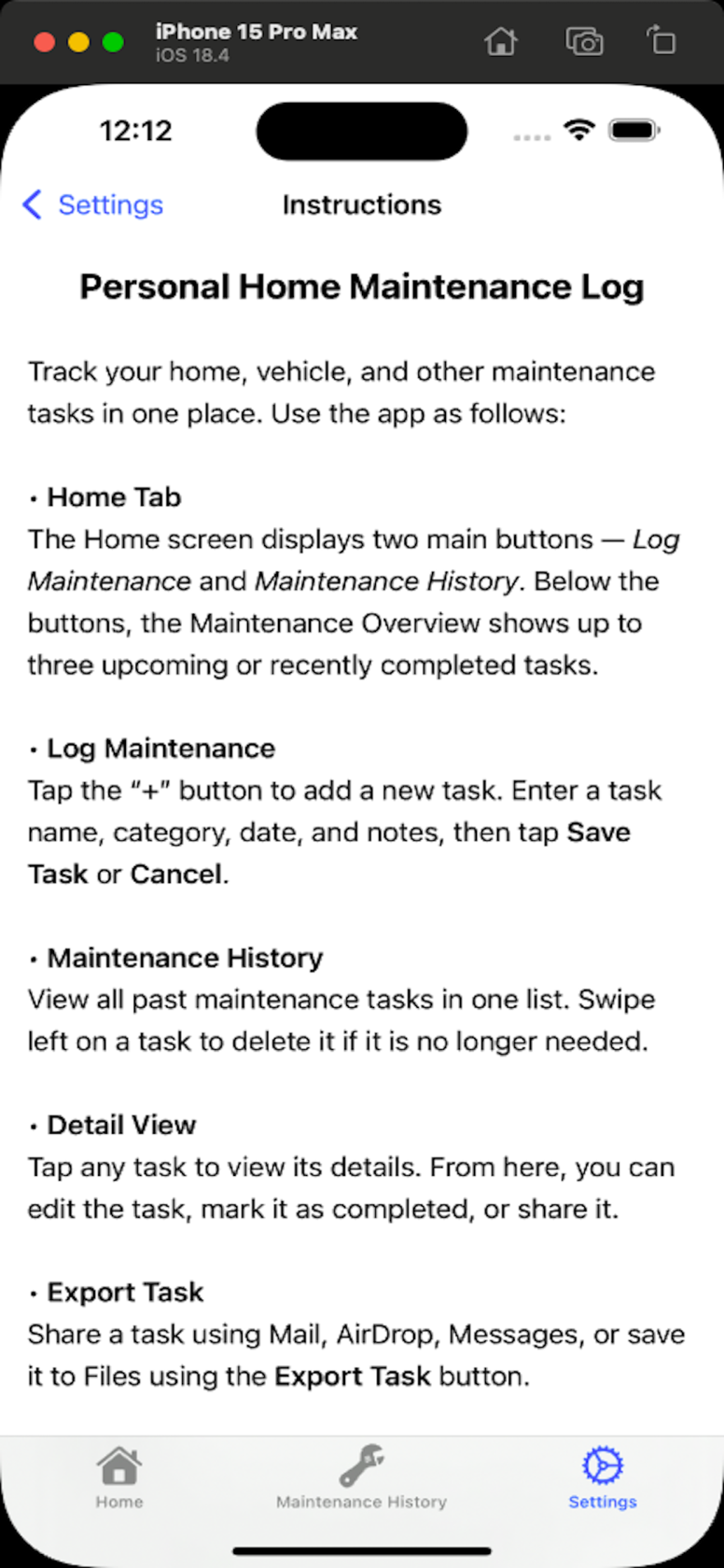
Personal Home Maintenance Log
Organize, track, and share maintenance tasks for your home, car, and more — right at your fingertips.
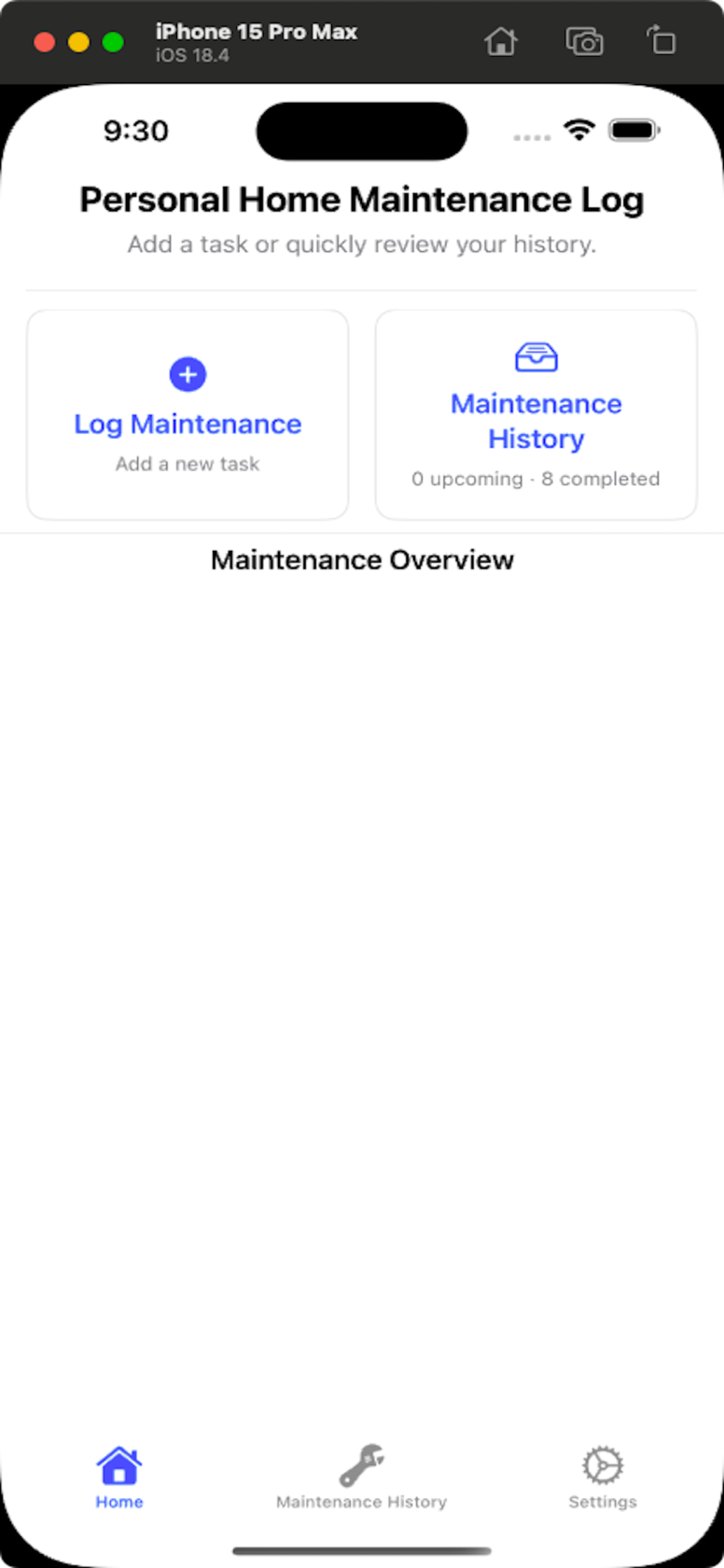
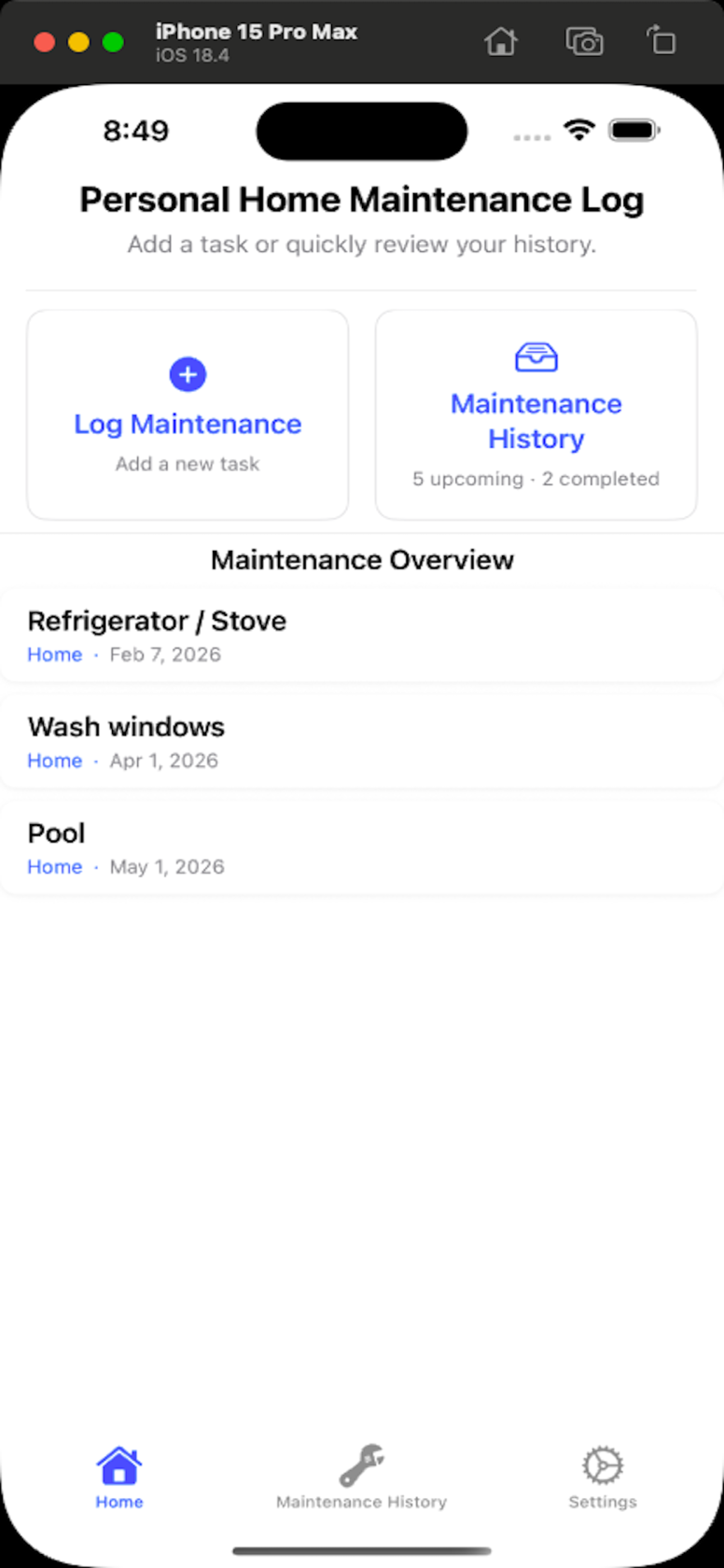
Tap Log Maintenance to add a new task. Tap Maintenace History to view all of your logged tasks, both upcoming and completed.
After adding tasks, this dashboard displays your three most upcoming tasks at a glance, helping ensure nothing gets forgotten.
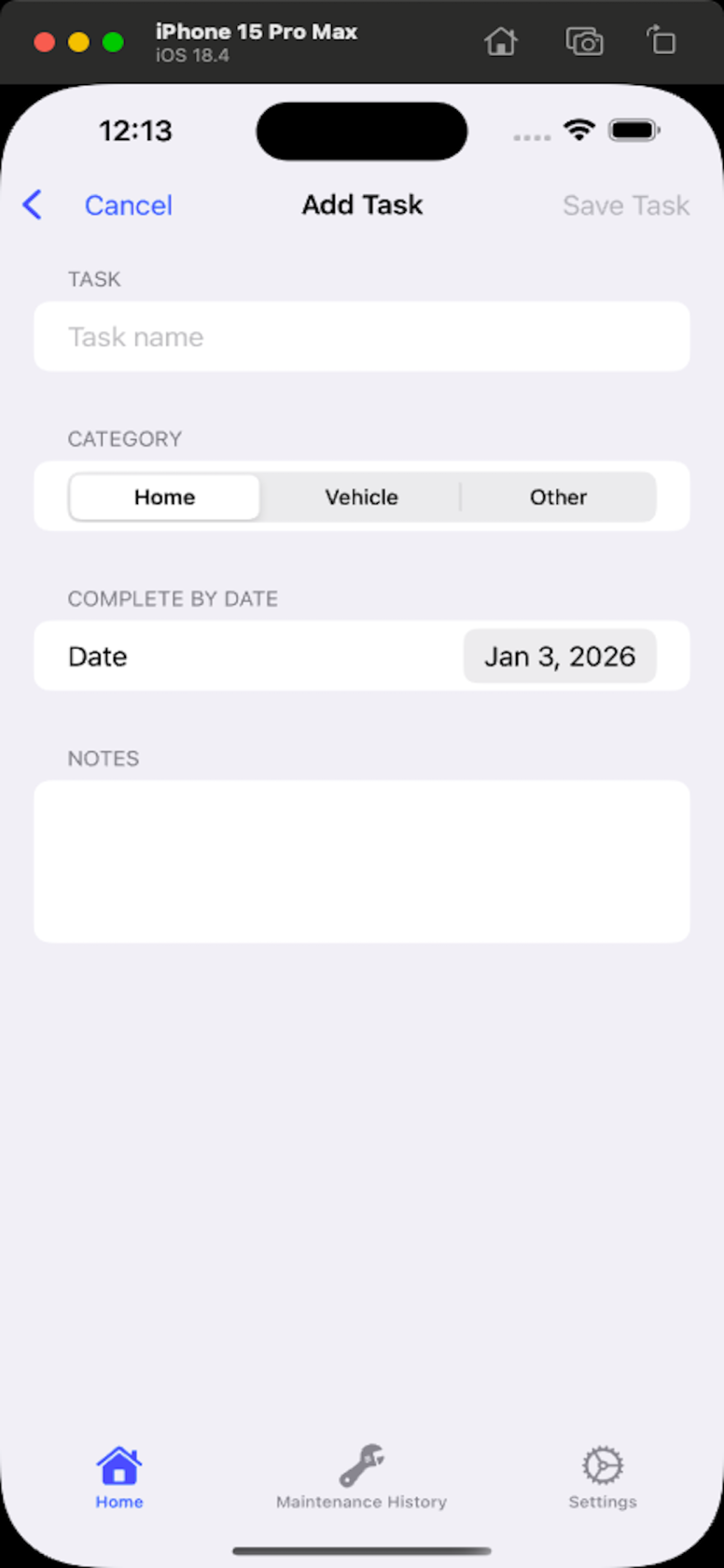
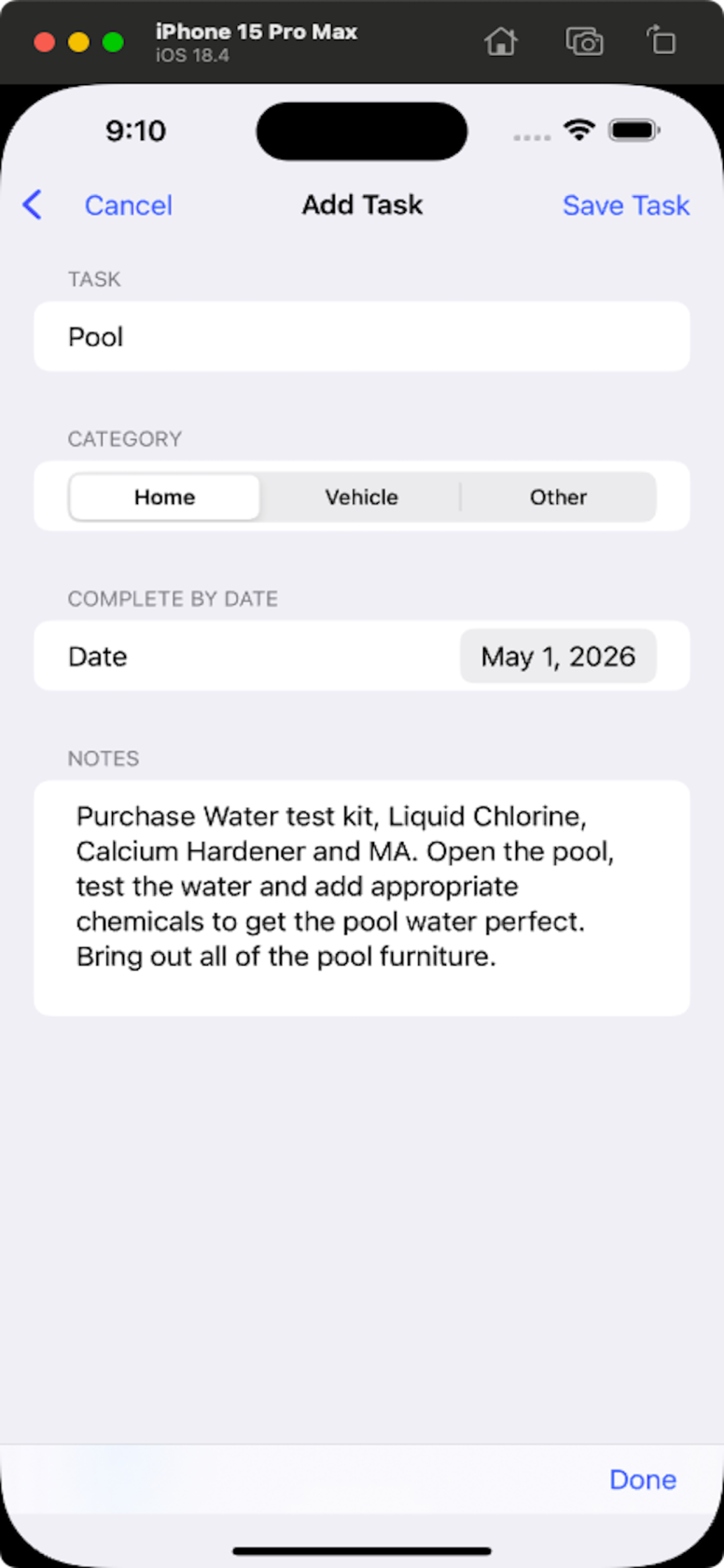
Start by adding a task name, selecting a category, choosing a date, and entering any notes.
Click Save Task to add it to your log.
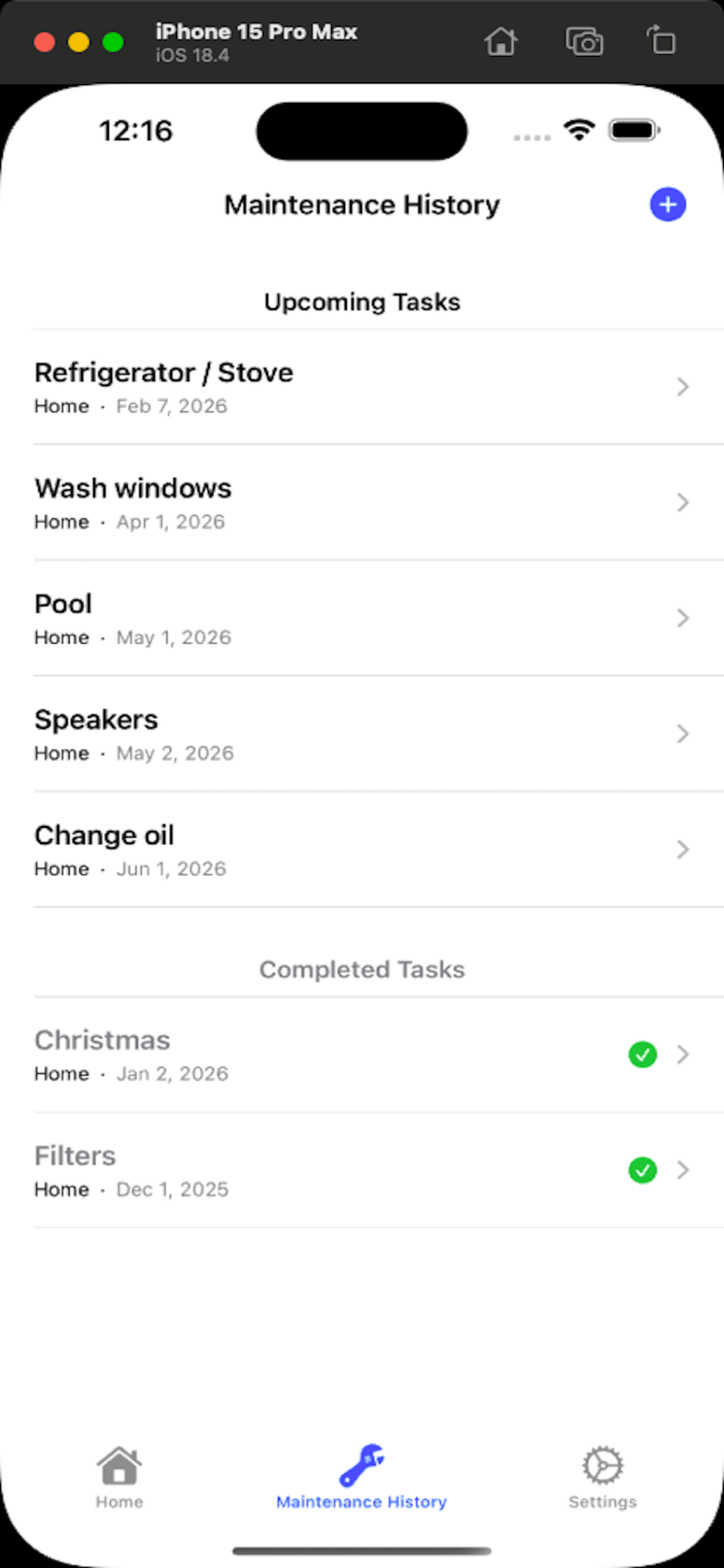
Maintenance History
Track all your tasks—completed and upcoming—in one place. See your progress at a glance, stay organized, and never forget a maintenance task. Keep your home running smoothly and plan ahead with confidence.
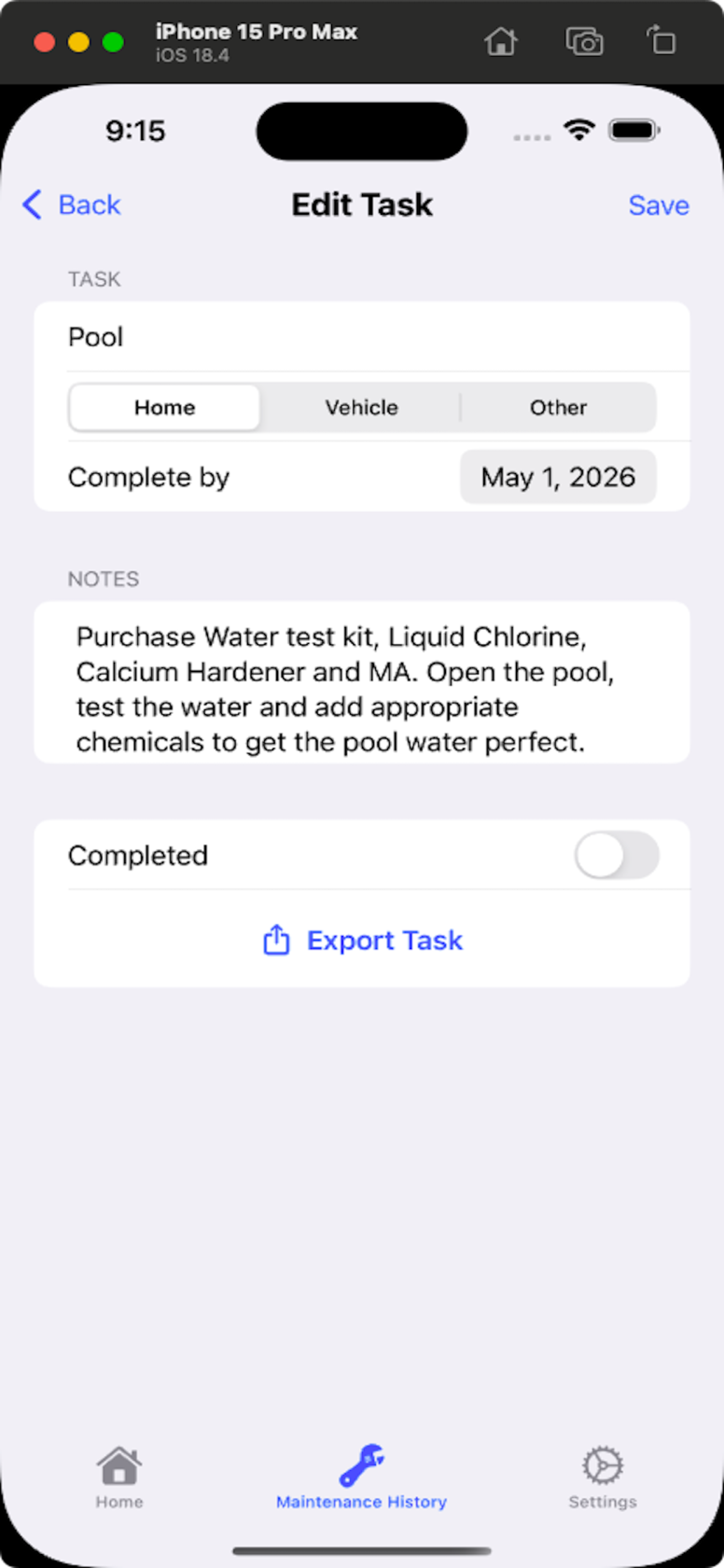
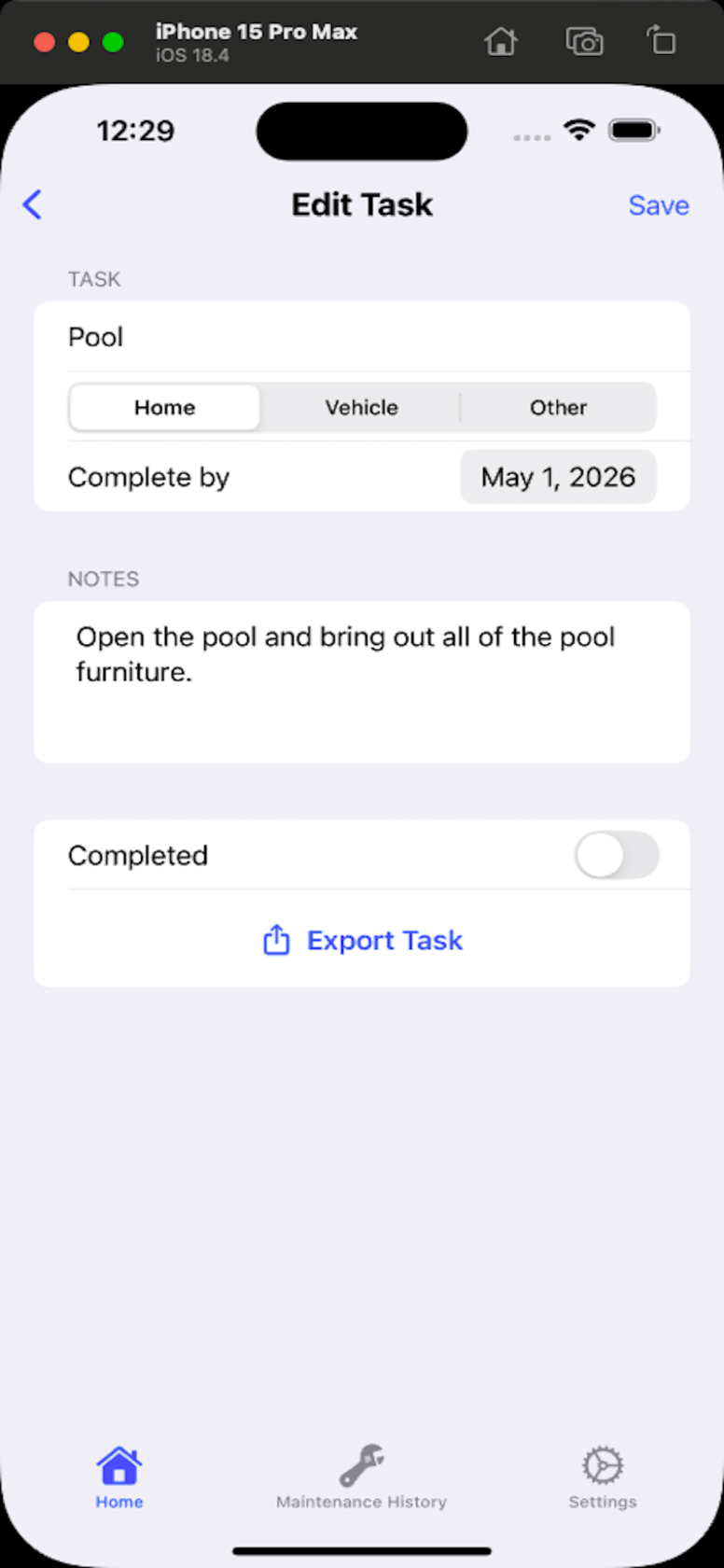
Tap any task to edit it. Update the details, then click Save to keep your changes.
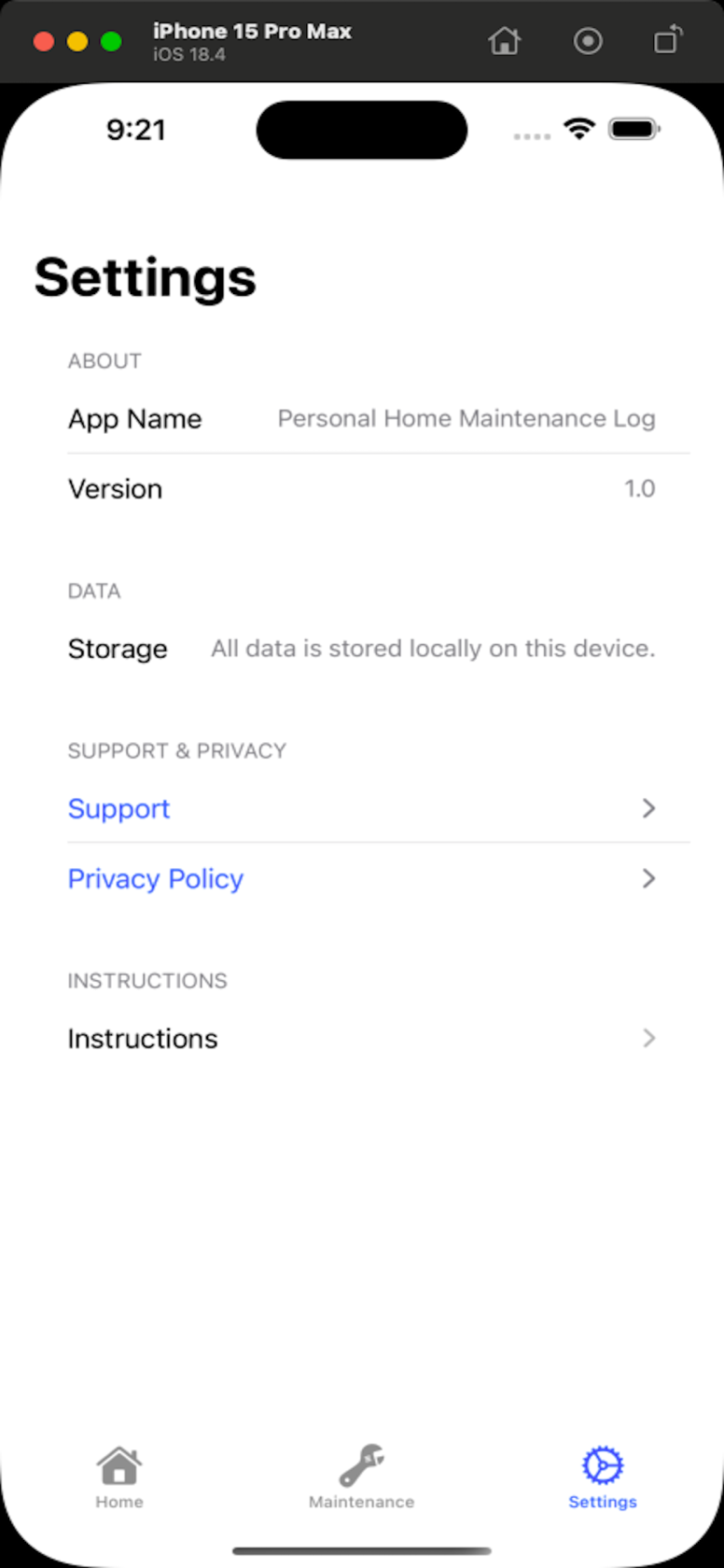
In the Settings tab, you’ll find your app version, local data storage info, and quick access to Instructions and Support & Privacy. Everything you need to manage and understand your app is right here.